Purchase history
Find every product your practice ever bought through Swyp, with the suppliers you bought it from.
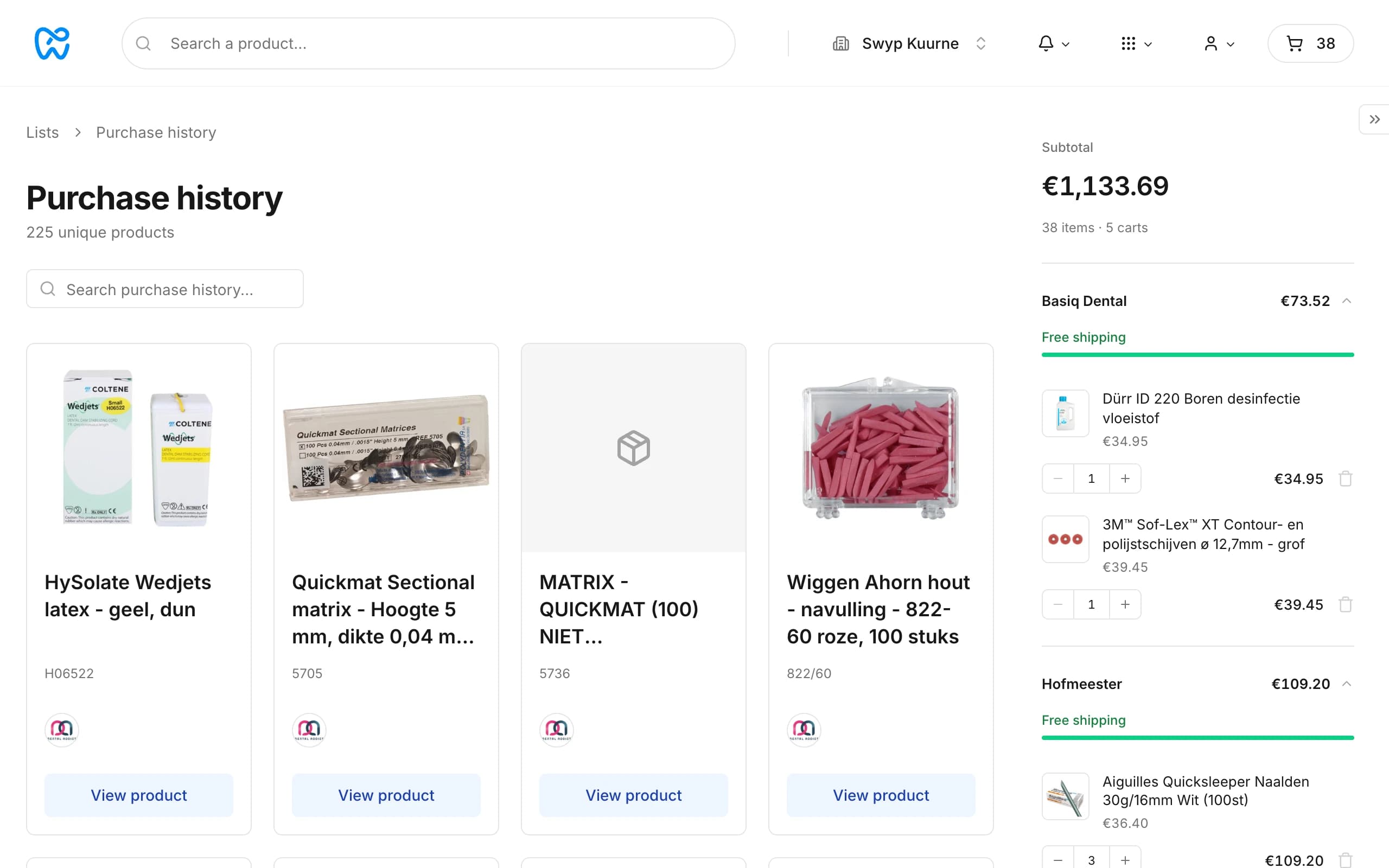
Purchase history shows every product your practice bought through Swyp, once per product, with the suppliers you bought it from. That way you quickly reorder what you needed before.
You find it under Lists, as one of the built-in lists at the top, or through the search bar under Browse. Search by name, item number or brand.
When you last bought it
On the product page, the supplier you last bought a product from shows how long ago that was. Hover over that label for the date and the price at the time. See The product page.
Buy again from your home page
Your home page shows Purchase Again with products you bought before. Click View all for your full purchase history.
Tip
Read next
New to Swyp? Try it free for 30 days. Create an accountSee pricing
Was this page helpful?
Last updated on