Getting started
Create your Swyp account, set up your practice and connect your first supplier. Your first 30 days are free.
You're set up in a few minutes: you create an account, enter your delivery address and connect your first supplier. The first 30 days are free.
Create your account
Create your account
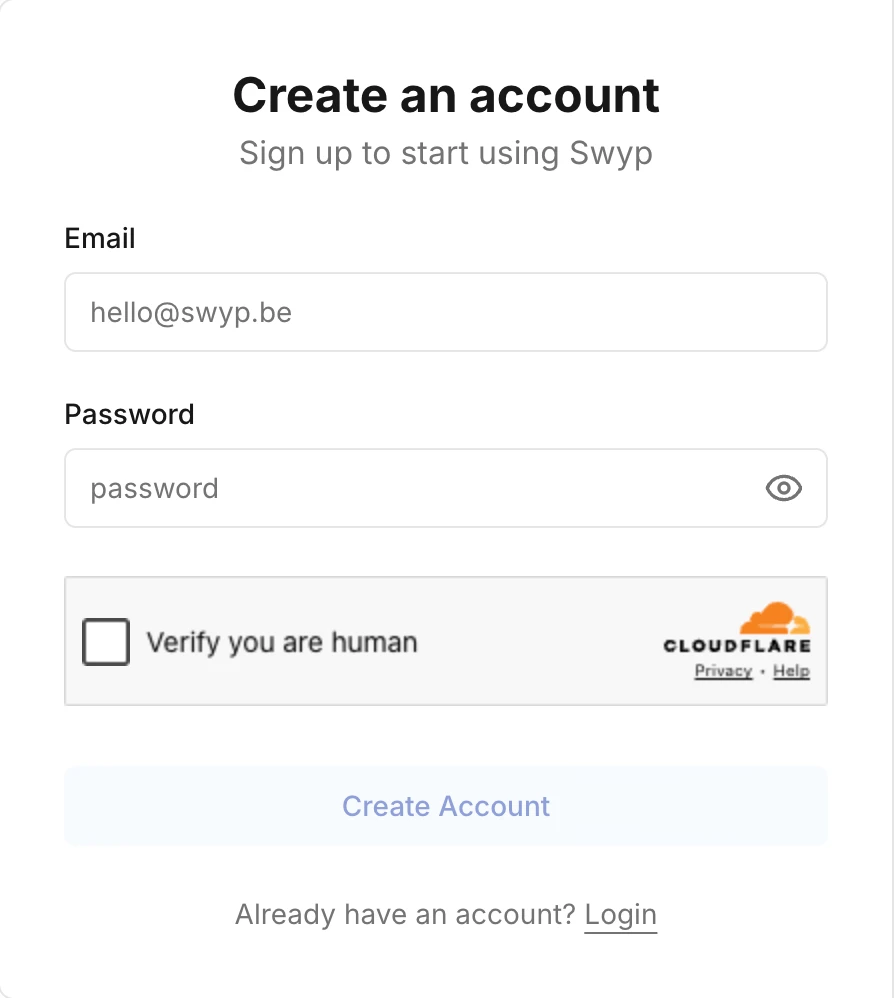
Go to app.swyp.be, enter your email address and a password of at least six characters, and click Create Account.
Confirm your email address
You get an email with the subject "Confirm your account". Click the link in that email. No email? Check your spam folder, or request a new link on the confirmation page.
Name your practice
Enter the name of your practice. You automatically become the admin.
Were you invited by a colleague? Then you don't create a new account or a new practice. Click the link in your invitation, choose a password and you go straight into your colleague's practice. See Team members and roles.
Set up your practice
Next, Swyp guides you through three short steps:
- Your delivery address. Where your suppliers send your orders.
- Your suppliers. Click a supplier and sign in with your details from their website. Swyp immediately tests whether the details are correct. If the test fails, check your username and password, or click Continue anyway if you're sure they're correct. Connect at least one to continue.
- Done. You land on your home page and can start ordering.
Want to look around first? Click Skip setup and explore Swyp. Swyp asks you later to finish the steps.
Sign in
Sign in at app.swyp.be with your email address and password. Check Keep me signed in for 14 days to stay signed in. If you don't, you sign in again the next day.
Forgot your password
On the sign-in screen, click Forgot password?, enter your email address and click Send reset link. You get an email with a link to choose a new password.
Note
After your trial
Your trial lasts 30 days. Swyp reminds you a week before it ends. Read in Subscription and invoices how to activate your subscription.
Read next
New to Swyp? Try it free for 30 days. Create an accountSee pricing
Was this page helpful?
Last updated on