Orders and status
View all the orders you placed through Swyp, with their status, the items ordered and the total.
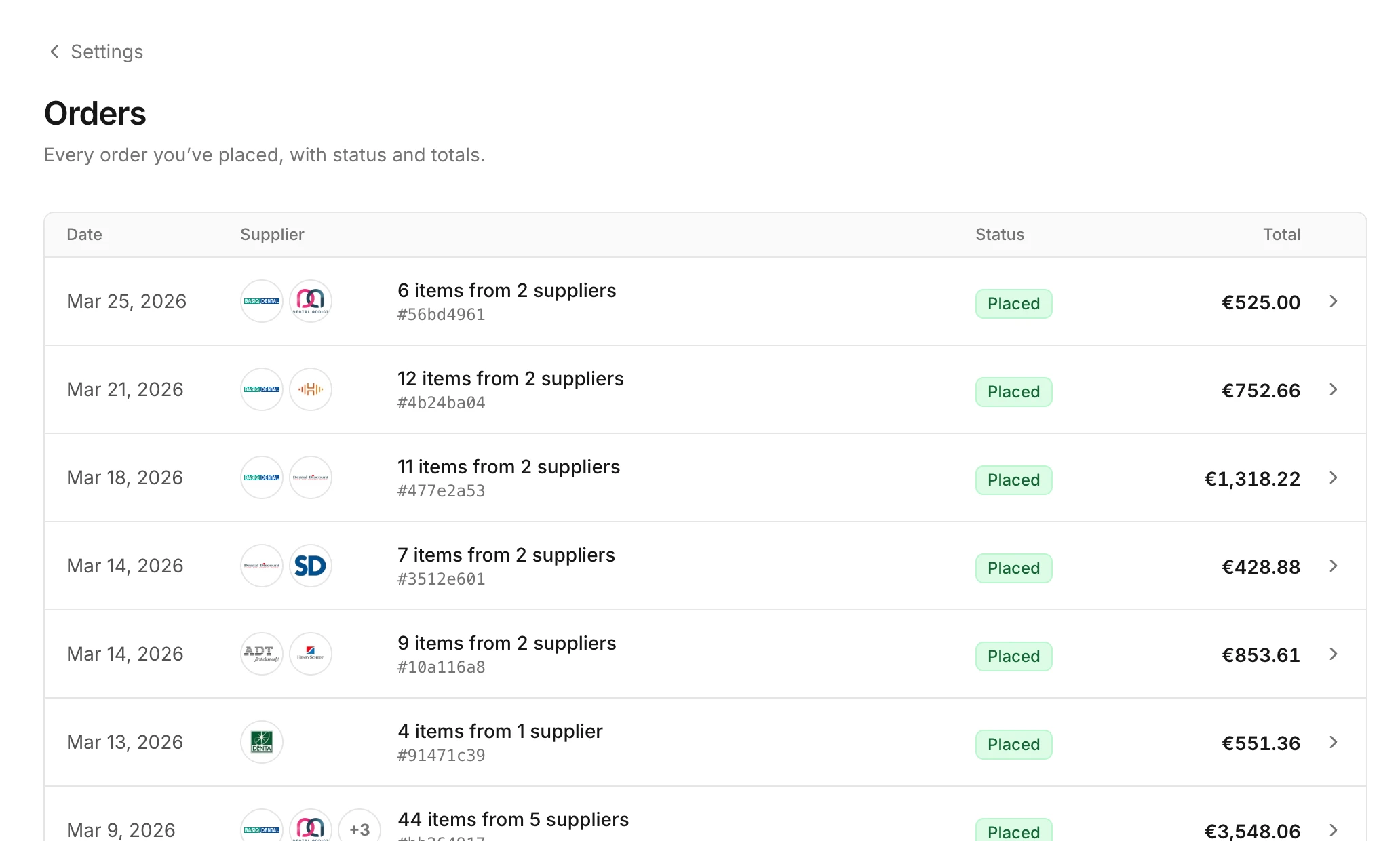
You find all the orders your practice placed through Swyp under Orders.
For each order, you see the date, the suppliers, the status and the total. Click an order to see the items ordered, the delivery address and the summary with VAT and shipping costs.
What the status means
| Status | Meaning |
|---|---|
| Pending | Swyp has received your order and is about to place it. |
| Processing | Swyp is placing your order with the suppliers. |
| Placed | The order has been placed with the suppliers. From now on, each supplier delivers as you're used to. |
| Cancelled | The order has been cancelled and won't be delivered. |
Swyp doesn't track shipments. If you want to know when something will be delivered, check the confirmation or the supplier's website.
Count your delivery
When an order arrives, you can count in Swyp what was delivered. Your inventory then updates itself. Read how in Confirm deliveries.
Return a product
You arrange returns directly with the supplier. The order is on your account with that supplier, so they can help you right away.
Read next
New to Swyp? Try it free for 30 days. Create an accountSee pricing
Was this page helpful?
Last updated on