Activity log
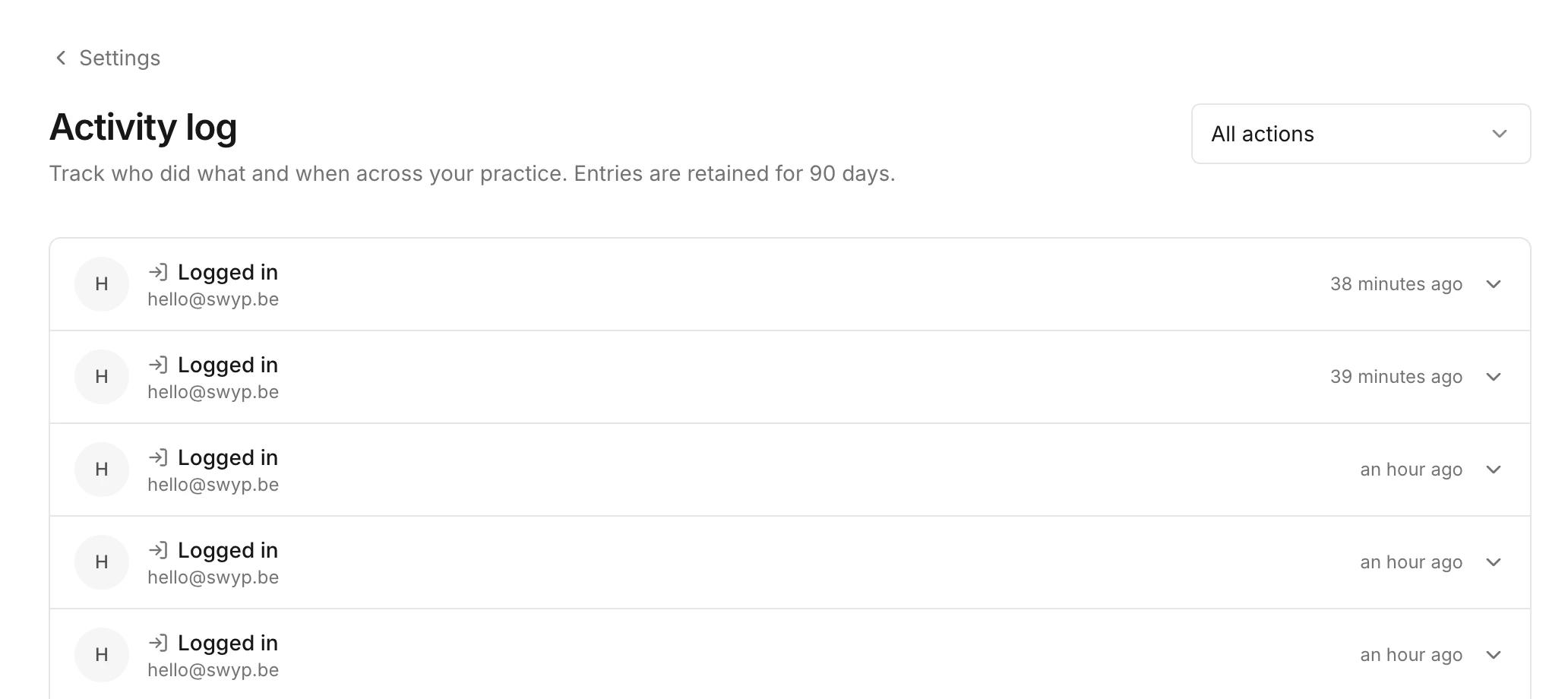
See who in your practice did what and when, from sign-ins to orders and changes to your team.
Admins only The activity log shows who in your practice did what and when. Only admins can view it.
What's in it
- Sign-ins, sign-outs, failed sign-in attempts and password changes
- Items added to or removed from the cart
- Suppliers that were connected or disconnected
- Orders that were created or cancelled
- Team members who were invited or removed, and changed roles
- A new name for the practice and renewed QR labels
Click a line to see the details, such as the team member, the time and the supplier. With the dropdown at the top, All actions, you show only one type of action.
Entries are kept for 90 days.
Read next
New to Swyp? Try it free for 30 days. Create an accountSee pricing
Was this page helpful?
Last updated on