Checkout
Choose which suppliers to order from, check your delivery and billing address, and place your order with all your suppliers at once.
At checkout, you order from all the suppliers in your cart in one go. Swyp then places the order on your behalf with each supplier, using your own account.
Start checkout
In your cart, click Complete checkout. If Swyp is still updating your cart, wait until Validating cart... disappears.
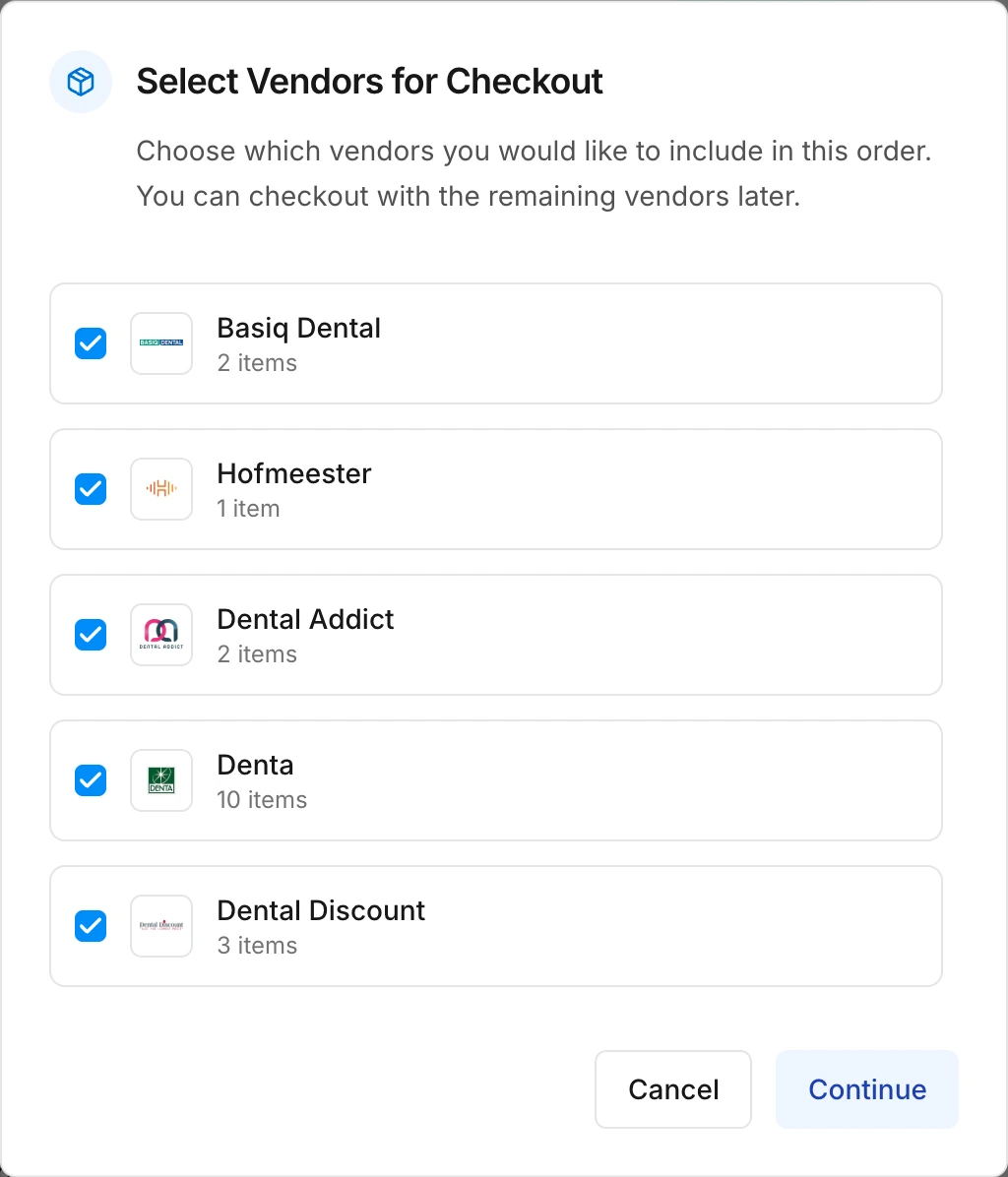
Choose your suppliers
Swyp asks which suppliers you want to include in this order. They're all checked. Uncheck a supplier if you want to order from them later; that cart simply stays as it is.
Check your addresses
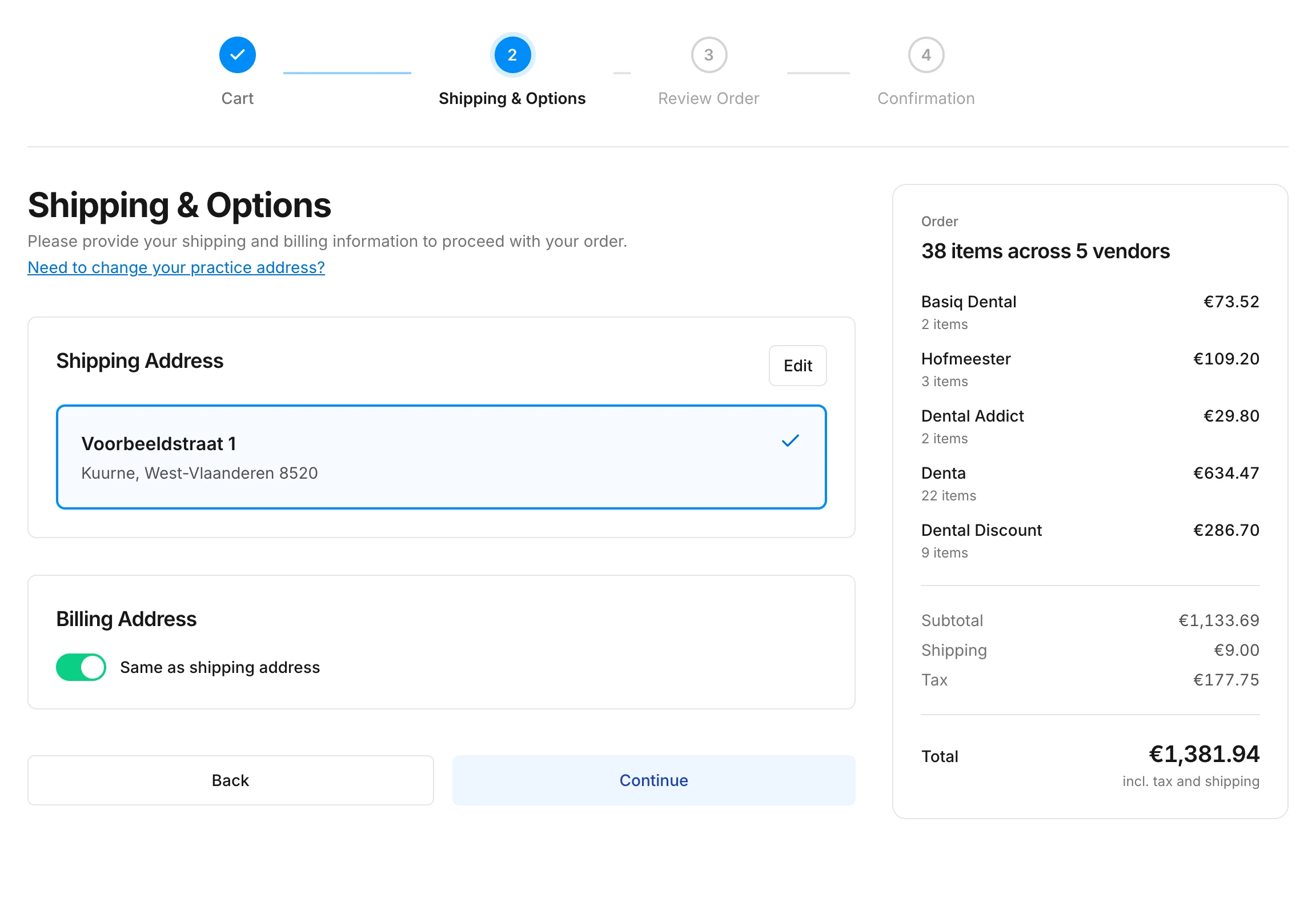
Choose the delivery address. The billing address is the same by default. If you need to change an address, read Your practice and addresses.
Review your order
You see what you're ordering from each supplier, with the shipping costs and the total. Click Place Order if everything is correct.
The same product from two suppliers
If the same product is in the carts of two suppliers, Swyp warns you during the review. Both suppliers will then send you an invoice. If you're ordering it twice on purpose, just continue. Otherwise, click Edit cart and remove one of the two.
After you place the order
You see the confirmation of your order. Swyp now places it with each supplier. While that's in progress, your cart is temporarily locked. You follow the status under Orders.
Invoices, deliveries and payments then come directly from your suppliers, as you're used to.
Note
Read next
New to Swyp? Try it free for 30 days. Create an accountSee pricing
Was this page helpful?
Last updated on