Count sheets
Print a count sheet with all your products and their stock, to count your inventory on paper.
A count sheet is a printable list of the products you track, with their storage location, your current stock, the minimum, the maximum and an empty column to fill in your count.
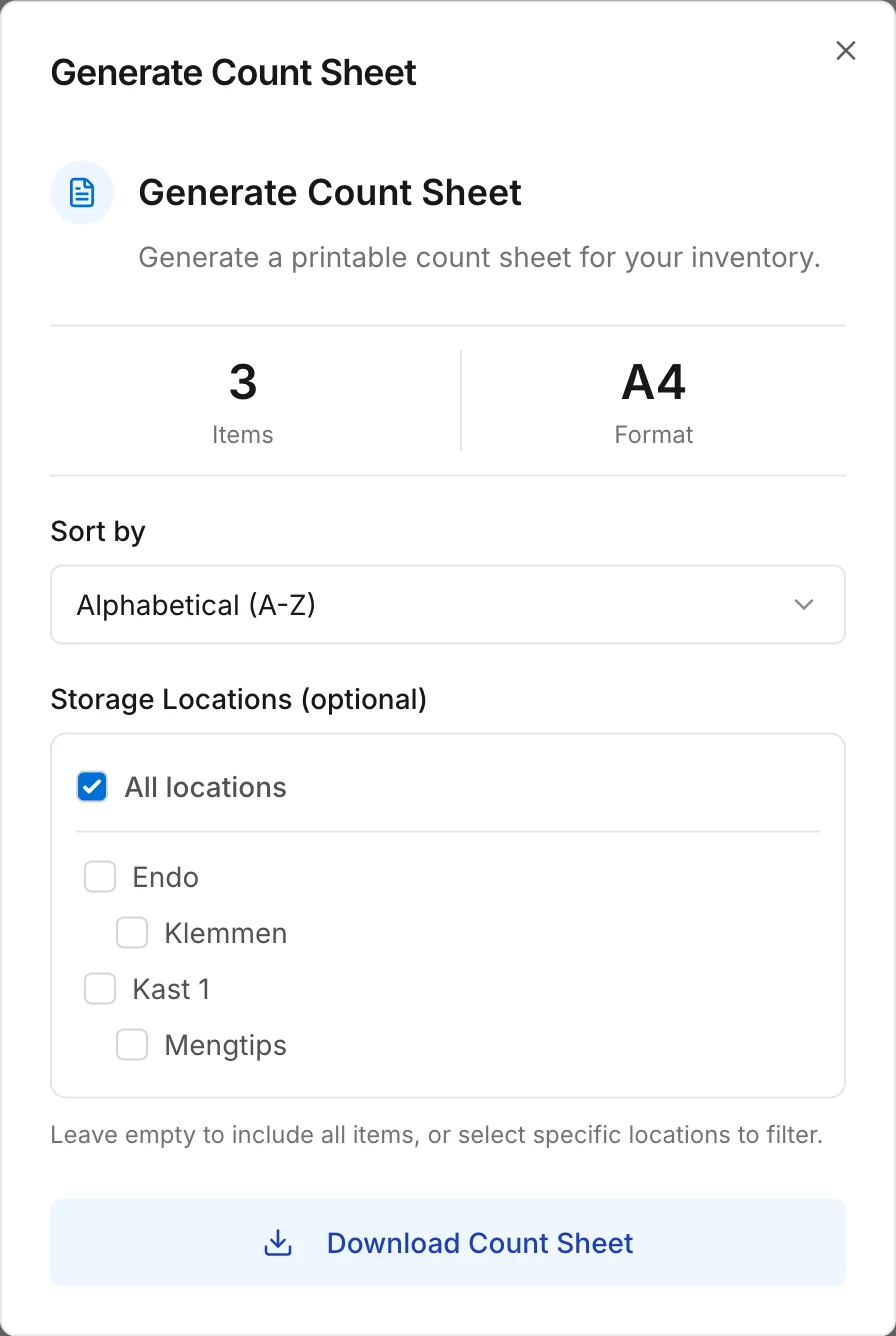
On the inventory page, click the three dots and choose Download count sheet.
- Under Sort by, choose the order: alphabetical, highest or lowest stock first, or by storage location.
- Under Storage Locations (optional), you can choose which locations you want to count. If you leave it empty, all your products are on the count sheet.
Click Download Count Sheet and print the sheet on A4.
Once you've counted, adjust your stock on the inventory page with the minus and plus buttons.
Read next
New to Swyp? Try it free for 30 days. Create an accountSee pricing
Was this page helpful?
Last updated on